Running inspections with no signal
Why sites are coverage dead zones
It is not bad luck; it is physics and timing:
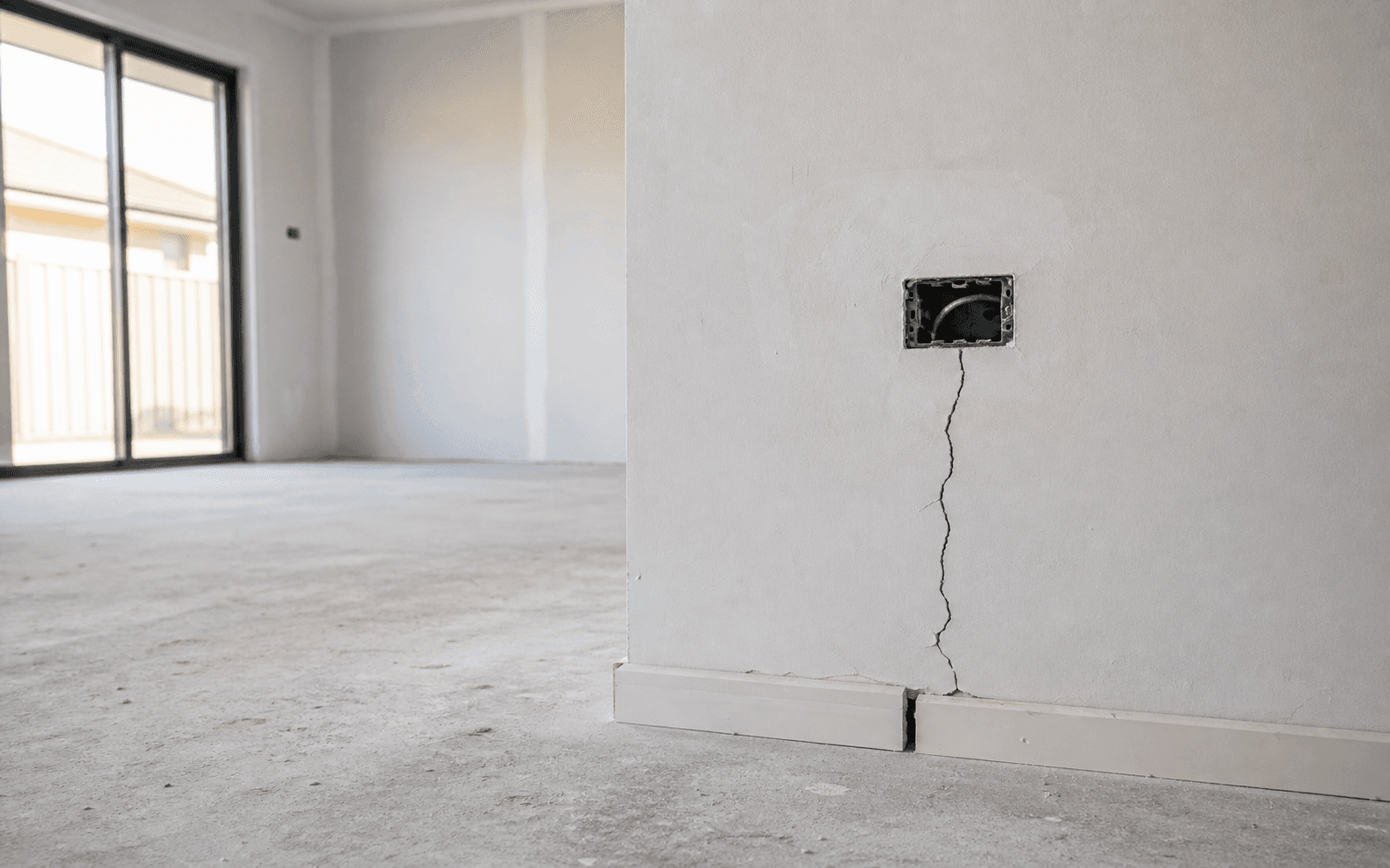
- New-builds before fit-out are bare concrete and blockwork with no Wi-Fi yet, and foil-backed insulation and low-E glass are remarkably good at keeping radio out.
- Basements, stair cores and plant rooms sit behind metres of concrete and steel.
- Steel-framed and metal-clad buildings (warehouses, retail sheds) act as partial Faraday cages.
- Rural and coastal sites may have no meaningful coverage outdoors either.
An inspection tool that quietly depends on a connection fails in precisely the places inspections happen. The failure is rarely honest: the app opens, the spinner spins, the photo may or may not have attached, and you find out at the desk.
Prepare before you leave coverage
- Test the tool in flight mode, before it matters. Ten minutes on a desk: flight mode on, create a record, attach a photo, generate the output. Whatever fails there will fail on site.
- Get documents onto the device. Drawings, the previous report, the works order: downloaded, not "available in the cloud". Open each one once while offline to be sure it is genuinely stored locally.
- Set up the project in advance. Client details, plots, room lists and trade lists entered at the desk mean the walk is capture only.
- Charge the phone; carry a battery. Offline capture all day is a long day for a device that is also your camera and torch, and a phone hunting for signal drains faster; flight mode in a known dead zone saves meaningful battery.
What "offline-first" actually means
Many apps tolerate being offline: they cache what you did and hope to reconcile later. Offline-first is a different design: the device holds the primary copy, and the network only catches up. The practical differences show up fast:
| Question | Merely tolerates offline | Offline-first |
|---|---|---|
| Create a full record with photo? | Sometimes; parts may silently queue or fail | Yes, always (saved to the device) |
| Edit and reorganise existing records? | Often read-only or partial | Yes |
| Generate the report on site? | Rarely; usually needs the server | Yes, from local data |
| Do you know what is synced? | No; hope and a spinner | A visible ledger: local, queued, synced |
That last row is the one that bites. Saved on this phone is not the same as synced; queued is not the same as sent; handed to Mail is not the same as delivered. A trustworthy tool tells you which state each item is in instead of implying everything is fine.
During the walk
- Work normally: capture, mark up, assign, reorder. If your tool is offline-first, nothing about the method changes without signal.
- Do not stop to hunt for bars mid-walk; batch the sending for when you are back in coverage. Walk order suffers when the inspector keeps detouring to a window.
- If you must send from site, treat one successful send as unproven until you can see it left: check the outbox, not your memory.
Back in coverage
- Let sync finish and read the ledger: everything marked synced, nothing stuck in queued.
- Send reports and confirm they have actually gone; a report handed to the Mail app has left your app, not necessarily the building.
Where Snagwalk fits
Snagwalk is offline-first in the strict sense: every photo, markup, edit and generated report is written to the iPhone first, and capture, organising, re-inspection and reporting all run with no connection at all. When signal returns, sync catches up, and the app shows what is saved on this iPhone, what is synced and what is still queued, because those are different things and you deserve to know which is which. The full behaviour (including the sync ledger and how conflicting edits are handled) is on the offline-first page.