Product
Capture
Keep the site context with the photo.
Create one clear record for each issue while you are standing in front of it. Add the title, location, trade, assignee and priority, then mark up the photo so the instruction still makes sense when somebody opens it later.
- Each issue receives a stable reference such as
IS-014. - The reference stays the same in the app, contractor list and report.
- Capture continues when there is no network connection.
Annotate
Show exactly what needs attention.
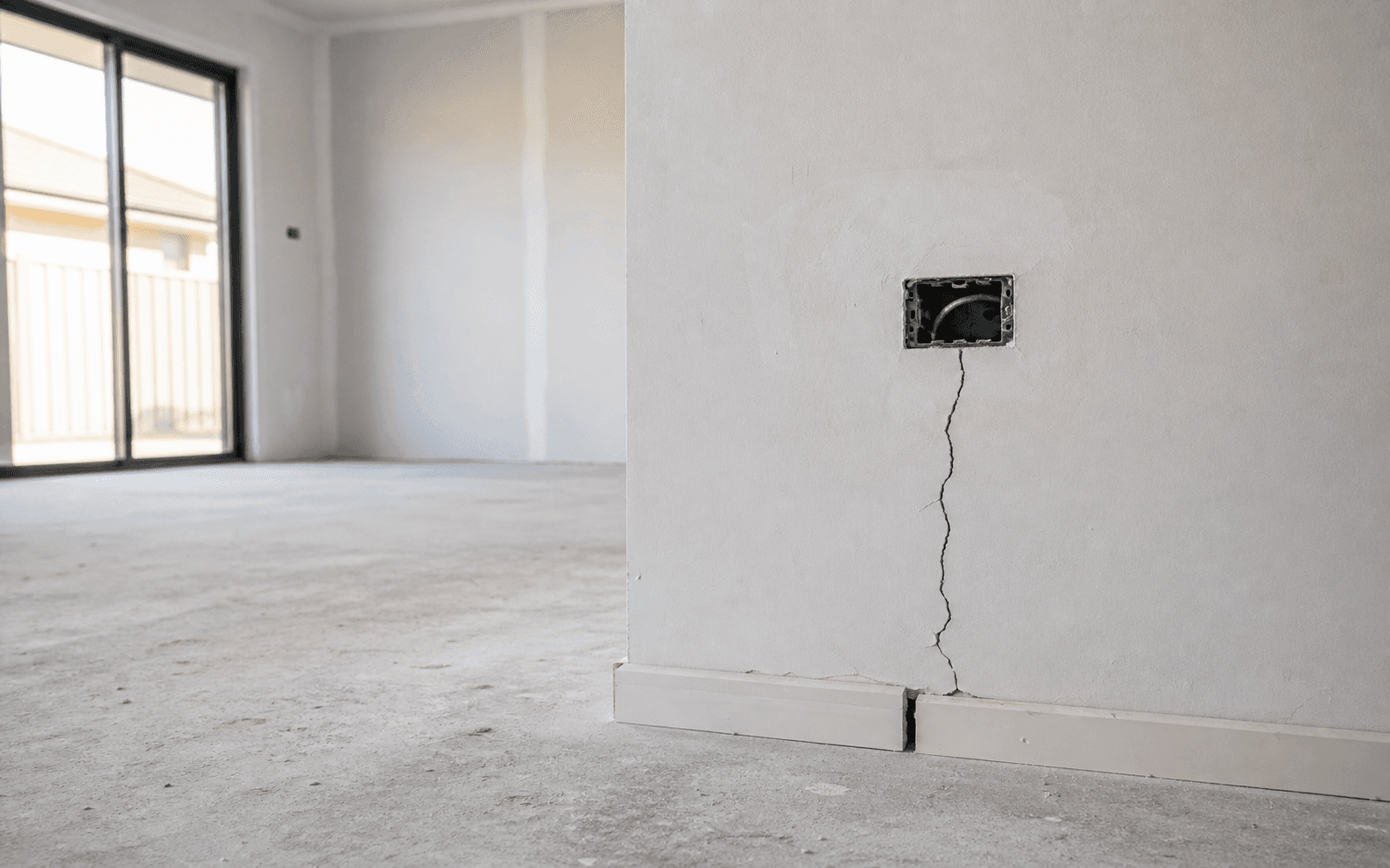
Circle the crack, point to the gap or mark the damaged area directly on the photo. Annotations sit over the image as a separate layer, so the original evidence remains available and the marked-up version appears in the report.
Organise
Turn the walk into a list each trade can work from.
Filter by trade, status, priority or assignee. Reorder issues to match the route around the site, and update a group of items together when the same contractor owns them.
- Assign a batch of issues without opening every record again.
- Keep the sequence you set when the report is generated.
- Reuse trades and assignees instead of typing the same details on every walk.
How to write a snag list contractors act on →
Re-inspect
Carry the same issue through the return visit.
Start with the outstanding list, add an after photo and mark completed work resolved. If the fix is not right, reopen the same record rather than creating a second, disconnected issue.
Report
Create the report from work already done on site.
Generate an Inspection Report, Snag List or Quotation as PDF or CSV. Your logo, company details and inspector name appear with the issue references, marked-up photos, statuses and dates.
View report details and samples →
Share
Send files people can open.
Clients and contractors receive a normal PDF or CSV, or a link that opens in a browser. They do not need Snagwalk or an account. Filter by trade first and each contractor receives a focused list containing only their work.
Sync
See what is saved, synced and waiting.
Snagwalk saves to the iPhone first and syncs when connection is available. The sync ledger distinguishes records stored on the phone from records that have reached the cloud. Queued is not sent, and handed to Mail is not delivered.
See how offline capture works →
What Snagwalk does not do yet
- Team workspaces: today Snagwalk is built around one inspector's account. Shared workspaces are in active design.
- Android: not currently planned.
- Desktop web app: planned as a companion for review, reporting and admin; the iPhone remains the field tool.